Your Life. Your Characters. Real Comics.
My Comic Series is the comic maker that starts with your photos. Tell a story by typing or speaking, and get a finished comic strip — panels, speech bubbles, and characters that actually look like you, in every single panel.
How the comic generator works
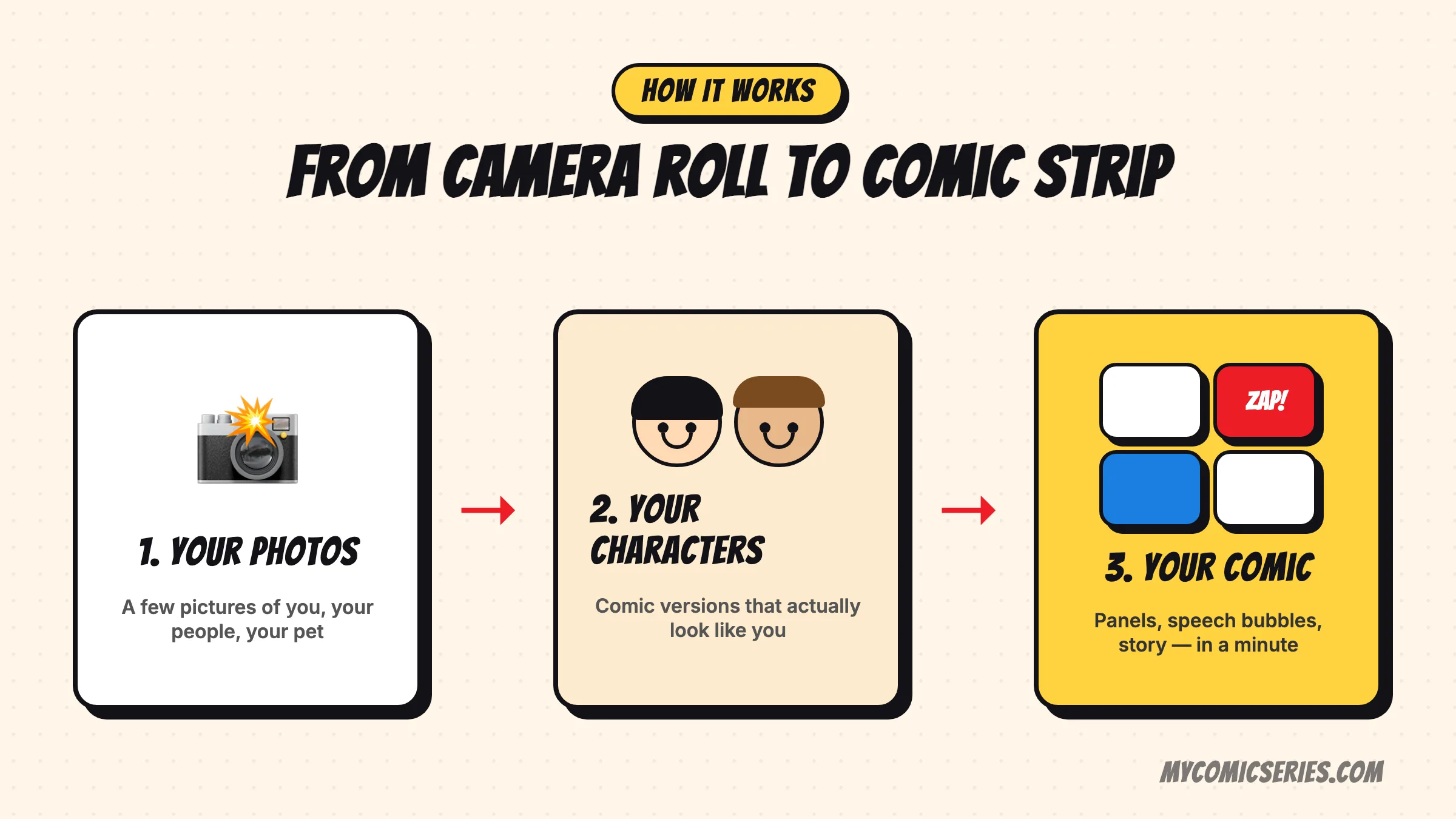
1. Create your characters
A few photos are enough. The app builds comic versions of you, your partner, your kids, your dog — and remembers them.
2. Tell your story
Type it or speak it: "We tried to bake a cake and the smoke alarm reviewed it." The AI splits it into scenes.
3. Get your comic
Panels, speech bubbles, sound effects, your chosen art style — a finished comic strip in about a minute, ready to share.
What separates a comic maker from an image generator
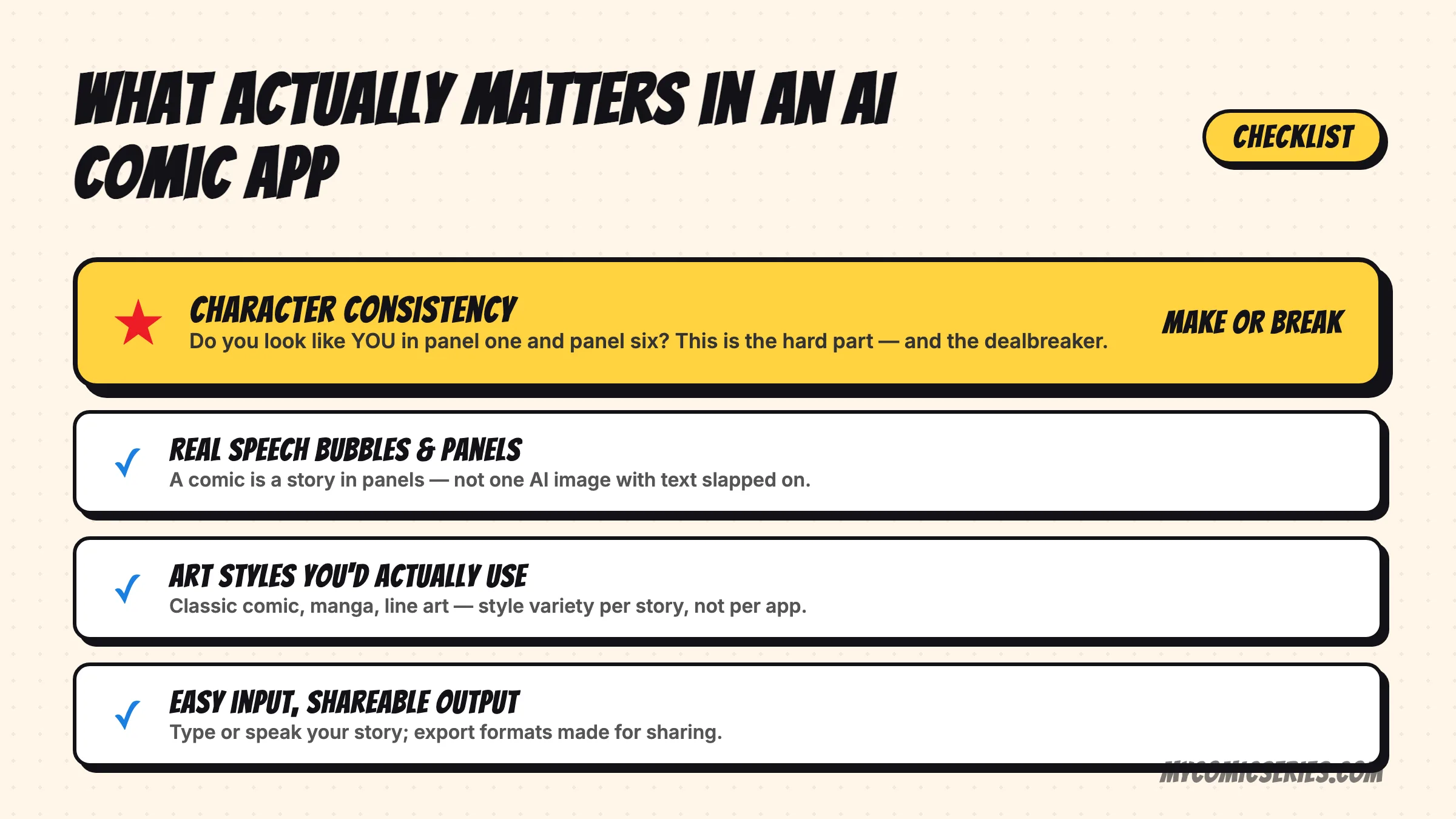
Any AI image tool can draw one comic-style picture. A comic is different: it's the same characters living through a sequence of panels. General-purpose generators reinvent your face in every frame — four panels, four strangers. My Comic Series locks your characters first and then draws the story, so panel one and panel six star the same recognizable you. That one difference is why it works for real comic strips, comic books, and week-after-week series instead of one-off images.
Comparing tools? Read our honest roundup of the best AI comic generator apps.
What will you make first?
Comic strips
Three or four panels about the moment your day went sideways.
💑Couple comics
Your running jokes, drawn. Anniversary gift material.
🐶Pet comics
Your dog's heroic war on the vacuum, in panels.
👨👩👧Family comics
Vacations, traditions, and kid quotes worth keeping.
📓Comic journals
One panel a day — a diary you'll actually reread.
🦸Superhero you
Turn yourself or your kid into the hero of the story.
Need inspiration first? See what you can turn into a comic, browse 300+ comic ideas or spin the free comic idea generator.
One story, any style
Classic comic, manga, minimalist line art, and more — pick the style per story, and your characters carry across all of them. Not sure which fits? See our guide to AI comic art styles.
Frequently asked questions
What is an AI comic generator?
An AI comic generator turns a written or spoken story into a finished comic — panels, characters, speech bubbles, and art style included. Instead of drawing each frame, you describe the moment and the AI illustrates it. My Comic Series goes one step further by building the characters from your photos, so the comic stars you.
How do I make a comic strip from my photos?
Upload a few photos of yourself (or your partner, kids, or pet) to create comic characters. Then type or speak what happened — the app splits your story into scenes, draws the panels, and adds speech bubbles. A finished strip takes about a minute.
Is My Comic Series a free comic maker?
The app is free to download with a free tier to get you started, plus optional credits and a subscription for more comics, characters, art styles, and watermark-free exports. A six-panel comic costs one credit.
Why do characters look different in every panel with other AI tools?
General-purpose AI image generators create each image from scratch, so your "character" is reinvented every time — different face, hair, and clothes in every panel. A purpose-built comic generator locks the character first, then draws every scene with that same character. That consistency is the core of My Comic Series.
Can it make manga or other art styles?
Yes — you pick the art style per comic: classic comic, manga, minimalist line art, and more. The same characters carry across styles, so your manga version of Tuesday still looks like you.
What can I actually make with it?
Anything your life produces: a comic strip about your day, an anniversary comic for your partner, a comic book of a family trip, a pet's daily saga, or a comic journal you add to every week. If you need a starting point, browse our comic ideas library or spin the free idea generator.
Make your first comic today
Free to try. Your photos become characters; your day becomes a comic strip — on your iPhone.