How to Create Consistent Comic Characters with AI
June 22, 2026 · 7 min read
Comics live and die by their characters. When you flip through a great comic, the hero looks like the hero on every page — same face, same hair, same jacket, same crooked little smile. That sameness is what makes a sequence of drawings feel like a story instead of a pile of unrelated pictures. It's also the single hardest thing to pull off when you make comics with AI.
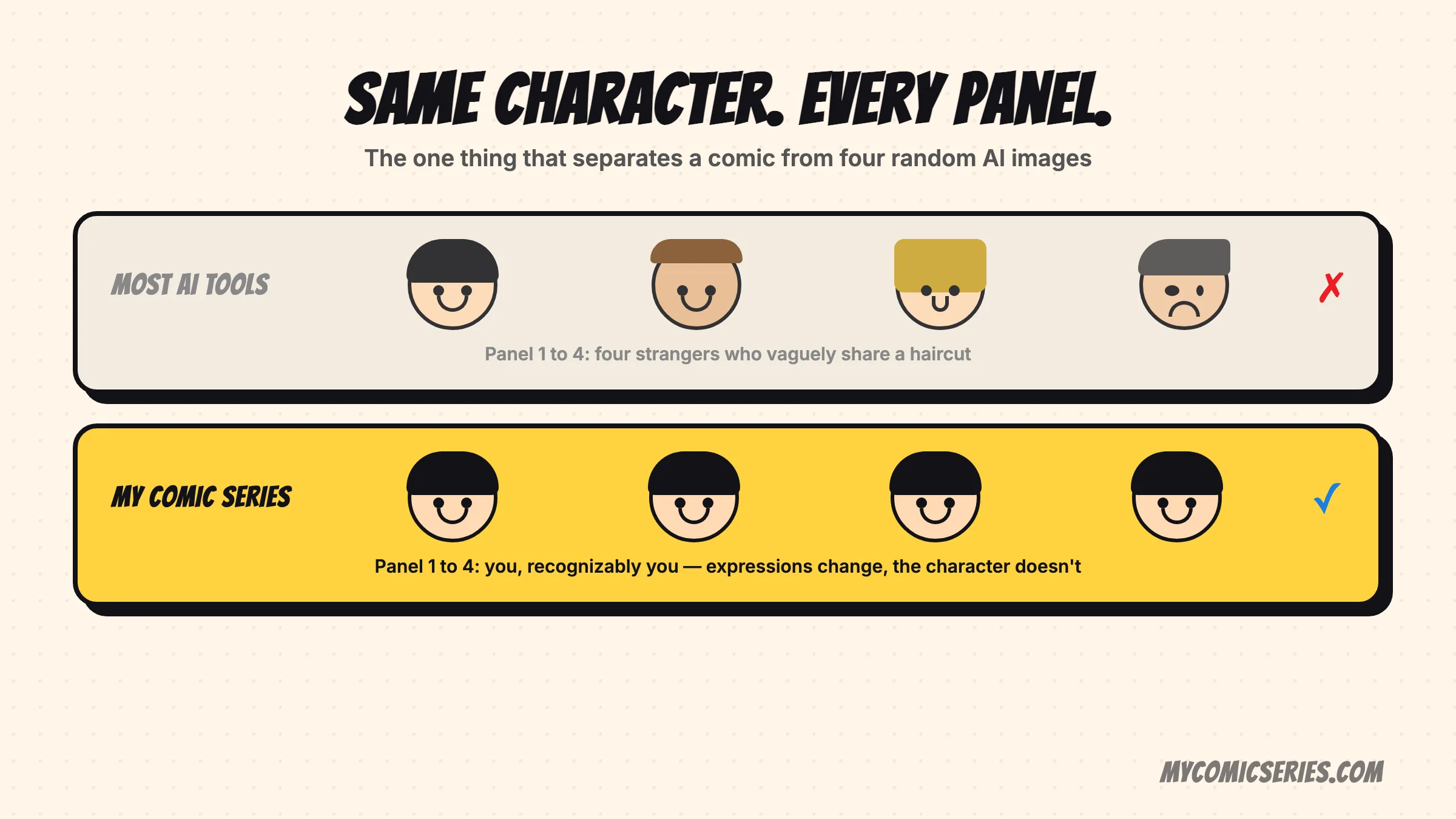
If you've ever tried to turn yourself or a loved one into a comic character using a general image tool, you've probably hit the wall: panel one looks great, panel two gives you a stranger, and panel three has invented a beard. This article explains why that happens, walks through the techniques people use to fix it, and shares practical tips you can apply today.
Why character consistency is so hard
To understand the problem, you need a rough mental model of how AI image generators work. Most of them are diffusion models — they start with random noise and gradually refine it into an image that matches your text prompt. The key word is random. Every time you generate an image, the model effectively paints a brand-new picture from scratch. It is not remembering the character it drew a minute ago; it is interpreting your words fresh each time.
So if you type "a young woman with short brown hair smiling," you'll get a young woman with short brown hair smiling — but the exact shape of her nose, the width of her face, her skin tone, her eye color, and the cut of her hair will drift from one generation to the next. Words simply can't pin down a specific human face. There are millions of people who match any text description you can write.
Clothing, body proportions, and art style wander too. One panel gives your character a red hoodie; the next swaps it for a blue jacket because the model latched onto a different visual association. When the person on page two doesn't read as the same person from page one, the illusion of a continuous story collapses. That broken illusion is the core challenge of AI comics.
The approaches people use to fix it
Over the past few years, a toolbox of techniques has emerged to wrestle consistency out of these models. Here's a plain-language tour of the main ones, with the trade-offs of each.
Detailed character descriptions
The simplest approach is to write an extremely specific, reusable description — a kind of "character sheet" in words ("28-year-old woman, oval face, freckles, chin-length auburn bob, green eyes, round glasses, mustard cardigan") — and paste it into every prompt. Pros: it works in almost any tool and requires no special setup. Cons: words are blunt instruments. You'll narrow the variation but never eliminate it, and faces still drift.
Reference images
Many tools now let you feed in one or more reference photos so the model can copy a visual starting point rather than invent one. Pros: far more faithful to a real person than text alone. Cons: results vary by tool, and pushing the character into new poses, angles, or expressions can still cause the likeness to slip.
Identity and face-consistency methods
A newer family of techniques extracts an identity "fingerprint" from a face — a compact numeric summary of what makes that face recognizable — and injects it into each generation. Face-swapping and face-restoration methods sit in this category too. Pros: strong facial likeness across many images. Cons: they mostly lock the face; hair, outfit, and body still need separate handling, and quality depends heavily on the source photos.
Seeds
A seed is the starting random number that determines an image's initial noise. Reuse the same seed with the same prompt and you get the same picture. Pros: useful for reproducing or fine-tuning a single shot. Cons: it is not a real consistency tool — change the pose or scene and the shared seed no longer guarantees the same character.
Fine-tuning and LoRA-style training
The heavyweight option is to train the model on a specific person using a handful of their photos. LoRA (Low-Rank Adaptation) is a popular lightweight version of this: instead of retraining the whole model, it teaches a small add-on that captures one subject. Pros: once trained, the model genuinely "knows" that person and can place them in countless scenes with strong consistency. Cons: it takes time, technical know-how, good training images, and compute — far more than a casual user wants to deal with for a quick comic.
Practical tips for more consistent results
Whatever tool you reach for, a few habits dramatically improve your odds of getting a character who actually stays the same.
- Use great reference photos. Bright, sharp, front-facing shots with a clear view of the face beat dark, blurry, or heavily angled ones every time. Garbage in, garbage out.
- Keep descriptions identical. Save your character description as a snippet and reuse it word for word in every prompt. Changing the wording invites the model to change the character.
- Lock down style and wardrobe. Pin the art style ("flat-color comic, bold outlines") and the outfit in every prompt so they don't wander between panels.
- Generate in batches. Produce several options per panel and pick the ones that match best, rather than accepting the first result. Curation is half the battle.
- Establish a hero shot first. Nail one strong reference image of your character, then use it as the anchor for every following panel.
These habits help — but notice how much manual effort they demand. You're essentially doing the consistency work the model can't do on its own, panel by panel, comic by comic.
How My Comic Series solves this for you
We built My Comic Series specifically to make this headache disappear. Instead of re-describing yourself for every panel and praying the face holds, you create your character once from your own photos. From that moment on, that character is locked in — the same face, the same look, the same you — across every panel of every comic you make.
That means when you turn a family trip, a funny morning, or a big life moment into a comic, the person in the panels is unmistakably you (or your kid, or your partner) from the first frame to the last. No drifting faces, no surprise beards, no stranger in panel two. You get the storytelling magic of a real comic without the technical slog of seeds, training runs, and prompt gymnastics. You can read more about what's coming on our features page, or see how the whole flow works in turn your photos into comics.
My Comic Series is available on iOS. If you want to create a character that finally looks like the real thing, download it on the App Store. Consistency is the hardest problem in AI comics — and it's the one we obsessed over so you never have to.
Turn your story into a comic
My Comic Series turns your photos and everyday moments into comics — on your iPhone.
Keep reading
How to Turn Your Photos Into Comics (2026 Guide)
A step-by-step guide to turning your photos into comic strips with AI — from picking the right photo to keeping your characters consistent.
🎨AI Comic Art Styles Explained: Which One Should You Use?
Classic comic, manga, line art, pop art and more — a tour of the most popular comic art styles and when to use each.
💼How to Use Comics on LinkedIn to Stand Out
Comics stop the scroll on LinkedIn. How to turn your work stories, lessons, and ideas into comic posts that get noticed — no design skills needed.